Play Choicer Voicer Online
A free browser voice acting game. No download, no install, no account. Choose a scene, allow your microphone and record every line yourself, then hear the whole dub play back.
- Works in Chrome, Edge, Firefox and Safari
- Phone, tablet, Mac and Windows
- Retry any line as many times as you like
- Recordings stay in your browser
Quick play: Thom & CeliaOpen full page →
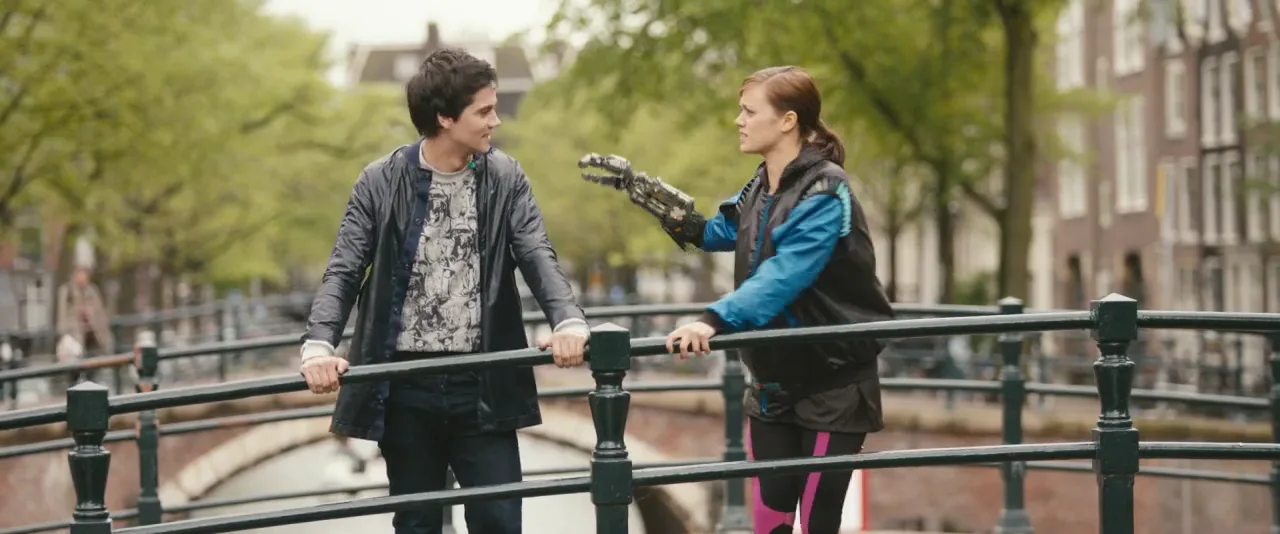
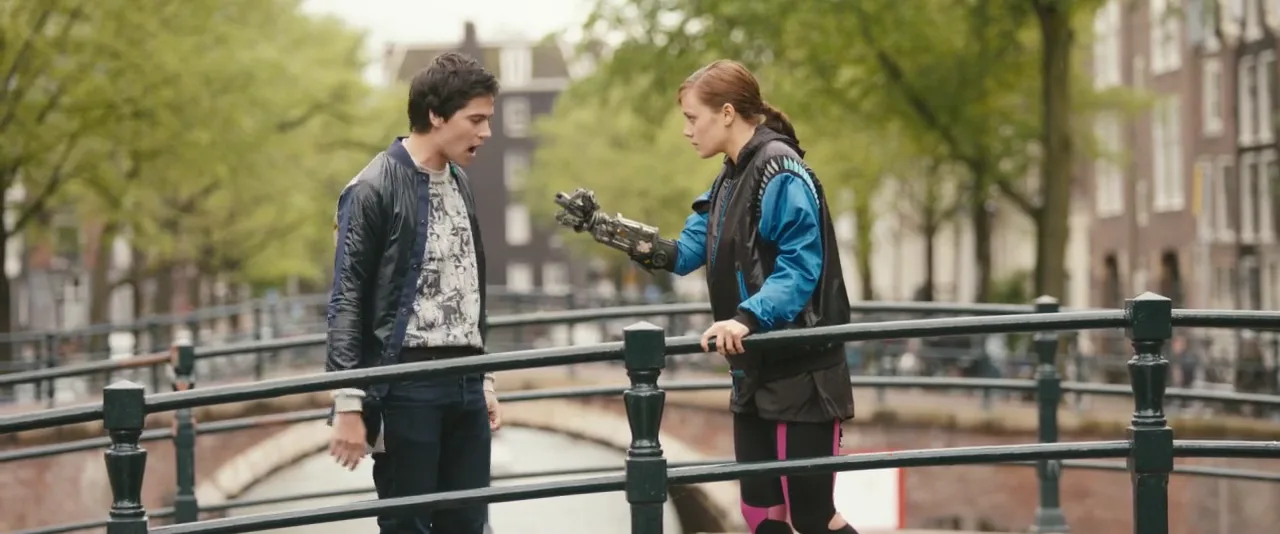
Tears of Steel
Thom & Celia
Follow our passions — or admit you are freaked out by the robot hand.
You are dubbing:
2 chars4 lines12s
- 01
This clip is 12s with 4 lines. You dub one line at a time — not the whole clip at once.
- 02
Hear the current line (the first one is about 2s). Then tap Record my take.
- 03
After 3-2-1, the picture keeps rolling and the original dialogue is muted. Say that line.
- 04
Retry until it feels right. After line 4, you watch the full 12s dub.
How the online voice acting game works
- 01
Choose a dub scene
Browse short original scenes sorted by show, length and difficulty. No account, no download.
- 02
Allow your microphone
The browser asks once. Audio stays on your device unless you decide to save or share a project.
- 03
Record line by line
Hear the reference read, watch the countdown, perform the line. Listen back and retry any take.
- 04
Replay and share
Your takes are placed on the scene timeline and played back as a finished dub with a fun score.
Choose a dub scene
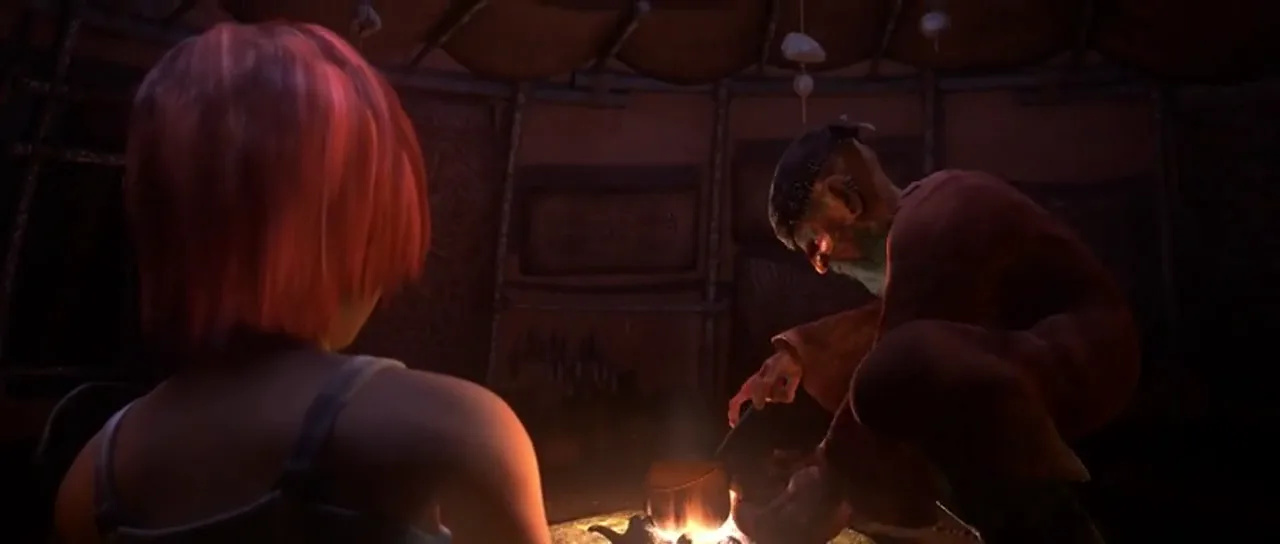
Popular scenes to play online
Two to three characters, 20 to 40 seconds each. Pick easy scenes for a first try.



Record your voice in the browser
The game uses the standard browser microphone API. When you press Start, your browser shows a permission prompt. Once allowed, a short calibration step checks your input level so quiet or clipping microphones are caught before you record. Each line then follows the same loop: hear the reference read, three-second countdown, record, listen, retry or accept.
Microphone requirements
- Any built-in laptop or phone microphone works. Headphones reduce echo from the reference read.
- Grant permission when prompted. If you blocked it earlier, see the microphone guide below.
- Pages must be served over HTTPS for recording to be allowed by the browser.
Play on mobile, Mac or Windows
| Device | Browser | Status |
|---|---|---|
| Windows / Mac / Linux | Chrome, Edge, Firefox | Supported |
| Mac | Safari 14.1+ | Supported |
| iPhone / iPad | Safari iOS 14.3+ | Supported |
| Android | Chrome | Supported |
| In-app browsers (Instagram, TikTok) | Various | Open in Safari/Chrome |
How this web version differs from the original game
The original Choicer Voicer is a downloadable game that uses community-made dub packs containing video clips. This web experience is unofficial, runs without installation and uses licensed short excerpts with the original actors on the picture, not copyrighted movie or TV files. The core loop, listening to a line, performing it and hearing the finished dub, is the same.
FAQ
Frequently asked questions
Can I play Choicer Voicer online without downloading anything?
Yes. This web version runs entirely in your browser. Open a scene, allow microphone access and start recording. There is no installer, launcher or pack file to download.
Is Choicer Voicer online free?
Playing is free. You do not need an account to play, retry lines or replay your finished dub.
Does it work on mobile?
Yes. Chrome on Android and Safari on iOS 14.3 or newer both support in-browser microphone recording. The play screen is designed for portrait phones with one line at a time and a large record button.
Why does the browser ask for microphone permission?
Recording your voice is the whole game. The permission prompt only appears after you press Start, and you can revoke it at any time in your browser settings. Audio stays on your device during the session.
Are these the same dub packs as the original game?
No. This is an unofficial community experience. Built-in scenes are licensed short clips you play in the browser, so nothing needs to be downloaded or installed. Creator-submitted scenes are moderated before they become public.
Which browsers are supported?
Chrome, Edge and Firefox on desktop, Chrome on Android, and Safari on macOS and iOS. Feature detection runs when you start a scene, and the page tells you if something is missing.
Related pages
- Choicer Voicer Dub Packs
Browse every playable scene by show, genre and length.
- How to Play Choicer Voicer
Beginner guide to the recording loop and scoring.
- Microphone Not Working
Fix blocked permissions in Chrome, Safari and iOS.
- Create a Dub
How the Creator Studio turns a clip into a playable scene.
- Voice Acting Games
Dubbing games you can play online right now.
- Choicer Voicer on Mobile
Playing on iPhone and Android in the browser.
Unofficial fan/community web experience. Not affiliated with the original Choicer Voicer game developer. Playable scenes are licensed excerpts credited on each scene page, or clips you load yourself. We do not host unauthorized movie or TV files.